

Kay Lee
Total 1006 Posts
Kay Lee is a copy editor residing in Europe. With over 4 years of experience in technical writing and creating end-user documentation for high-end electronics.

Handy Tips: How to Turn Off Annoying Instagram Notifications
If you are one of those people who are tired of such annoying notifications, we are the same. More precisely, we were the same earlier, but now, we have already disabled some of the notifications using this handy method.

Handy Tips: How to Change the Vibration Intensity on Android
Your smartphone uses the standard vibration level for calls and notifications by default. If this default vibration intensity level annoys you, the Android operating system lets you customize this parameter any way you like.

Handy Tips: How to Quickly Delete All Unread Emails in Gmail
Sometimes, it happens that you want to delete all your emails because otherwise, you will stop receiving new messages until you free up space in your mailbox. The reason for this inconvenience is the 15 GB Google account limits in Drive, Gmail, and Photos services.
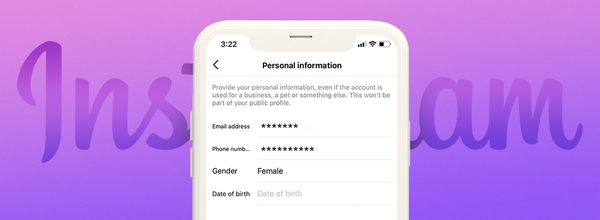
Handy Tips: How to See Someone's Phone Number and Email on Instagram
Imagine you had a fight with your significant other, and then blocked them on Instagram. After that, you noticed some fake account viewing your stories. At this point, you may suspect that they are the same person. Here's how to check.

Handy Tips: How to See Someone's Instagram Username Change History
Today, we will tell you how to find out if an Instagram account changed usernames in the past. There is no need to use third-party or paid solutions for such a task. You can do this right in the Instagram app itself.

Handy Tips: How to Quickly Resize Multiple Images on Windows 10
If you need to quickly resize a number of images, you can use Microsoft PowerToys to do so directly from File Explorer. The resized images will then be available in the same folder as the original ones. You can do this with as many images as you want.
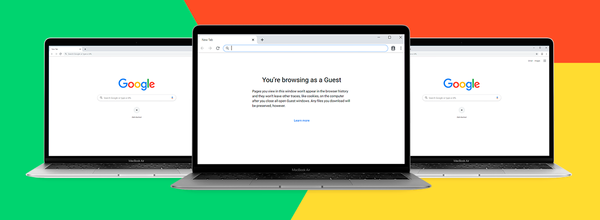
Handy Tips: How to Start Chrome in Guest Mode by Default
Google announced that the new Default to Guest Mode feature of the Chrome browser is now available for Windows, Linux, and macOS operating systems. In guest mode, users can change other Chrome profiles.
